
Siperb Softphone
Siperb is a full-featured softphone that connects to your existing PBX. Whether you’re running Asterisk, FreeSWITCH, or any SIP-compatible system, Siperb provides a modern, reliable way for your team to make and receive calls across all your devices.
The name says it all: Session Initiation Protocol Endpoint Relay Bridge. We handle the complex bits so you can focus on your business.
Core Features
- Dial Pad: Full numeric keypad, speed dial, and directory integration
- Call Controls: Transfer, hold, mute, recording (where your PBX supports it)
- Device Management: Switch between your phone, tablet, or desktop without losing context
- Device State: See availability of colleagues and presence information
- SIP Trace: Call logging and diagnostics (Proxy mode only)
- Push Notifications: Incoming call alerts even when the app is backgrounded (Proxy mode only)
Available on All Platforms
- Web — no installation needed, works in any modern browser
- Desktop — native app for Windows, macOS, and Linux
- Mobile — iOS and Android with push notifications
You can switch between devices seamlessly. The same account works everywhere.
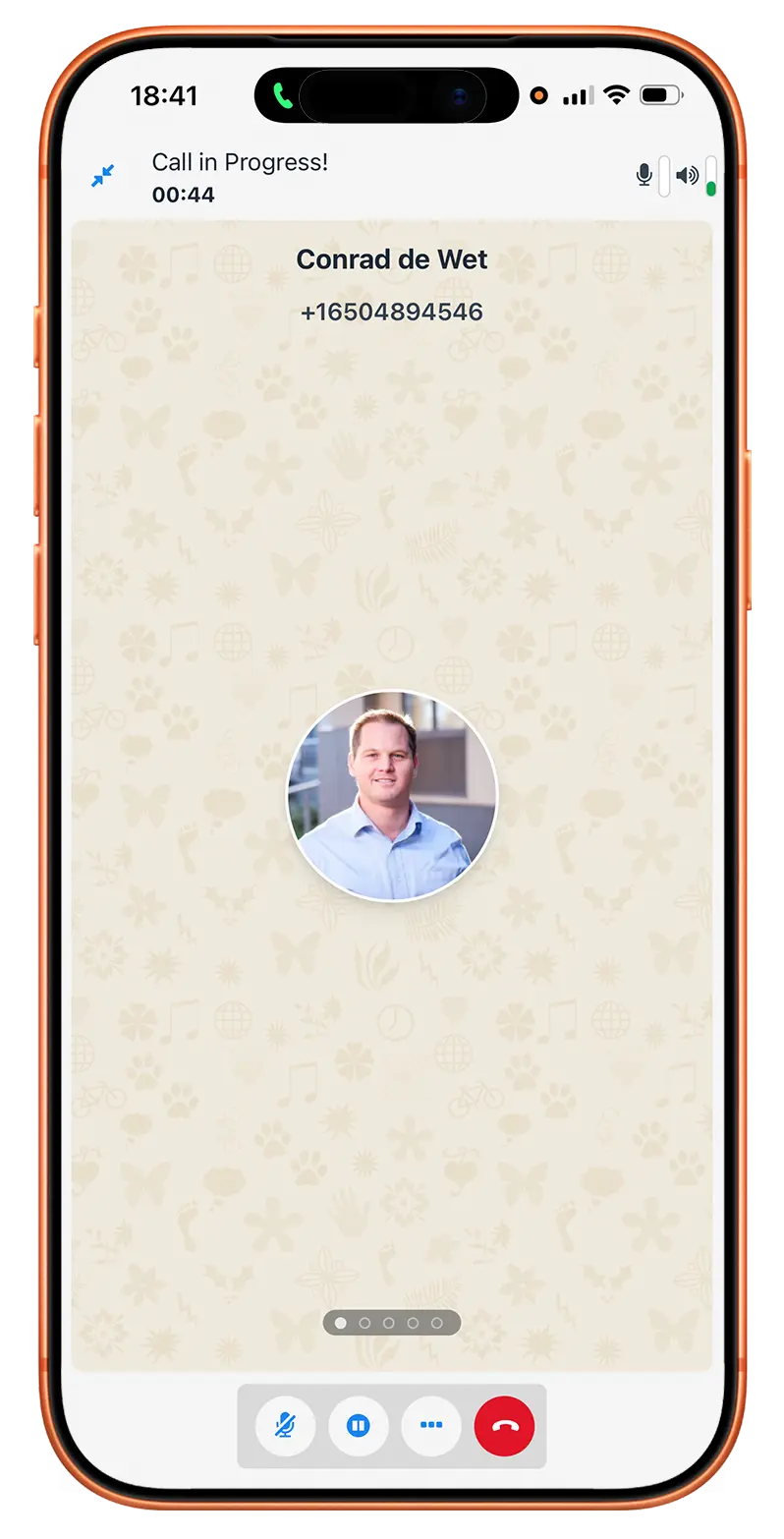
Mobile
Android | Apple
Web
Chrome | Edge | Firefox
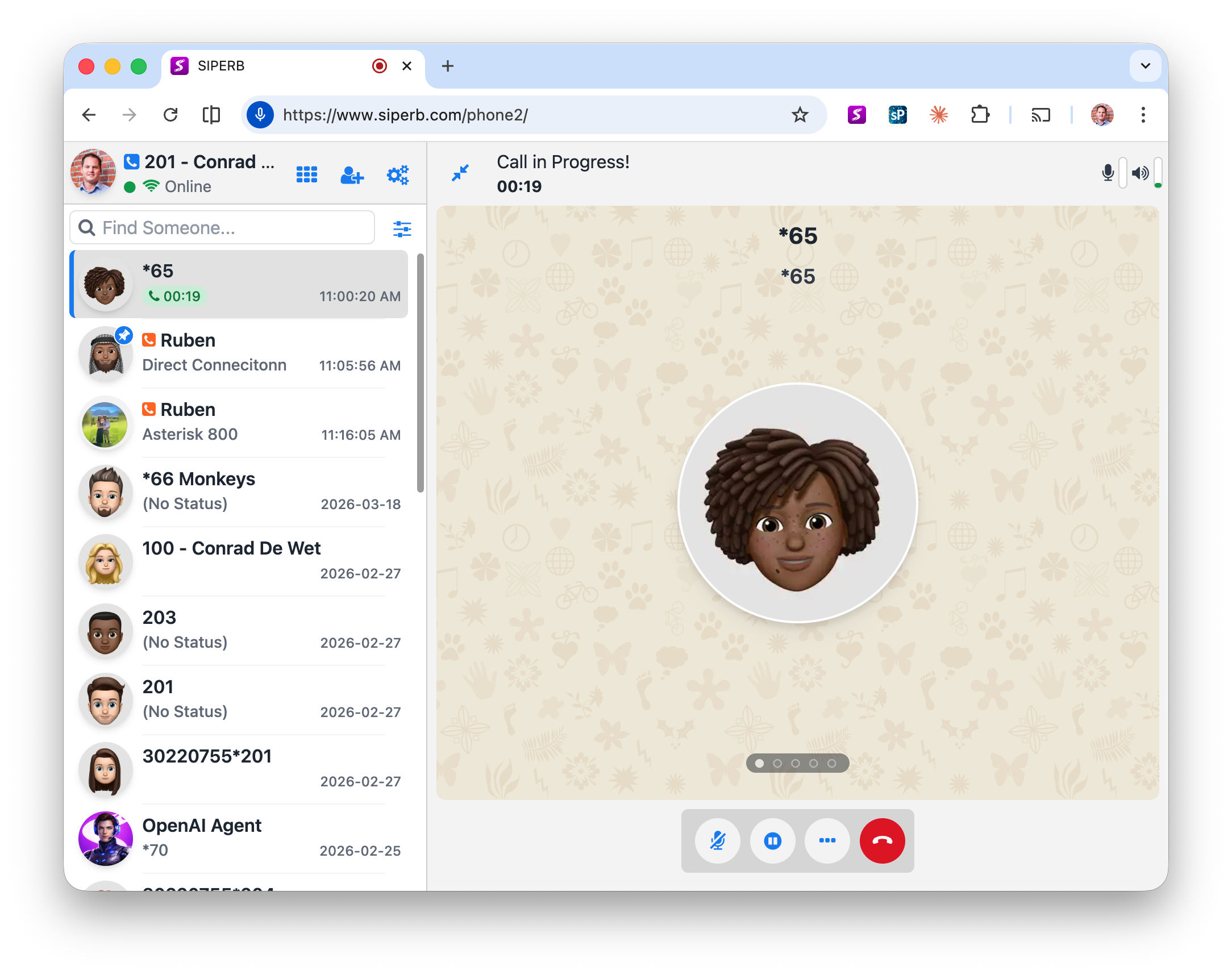
The same Softphone look-and-feel is available on the Web, for all major Web Browsers; Edge, Chrome, Firefox and more.
Desktop
Windows | MacOS | Linux
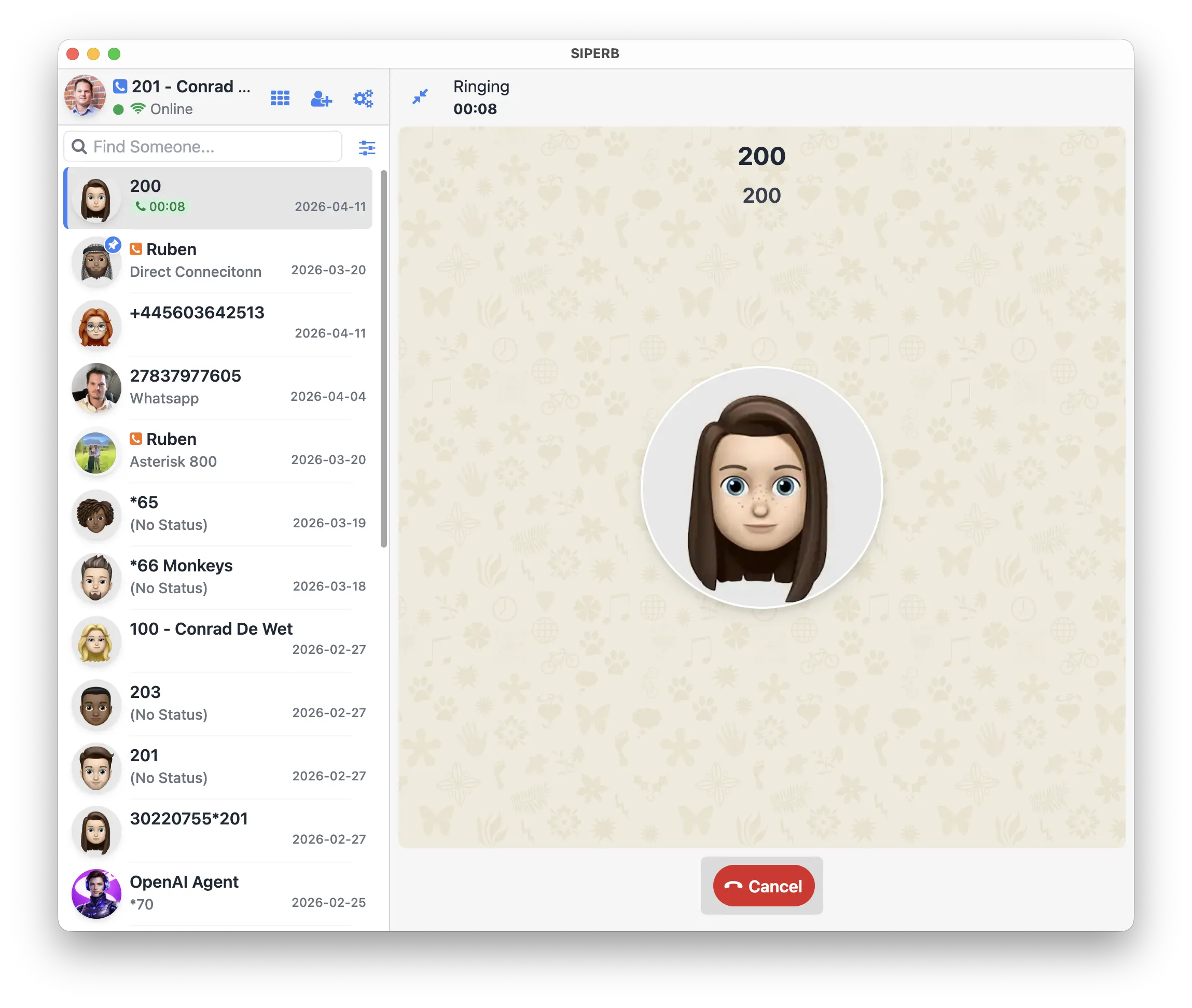
Tab fatigue? We get it… Install the fully featured desktop version, and get the added benefit of being able to connect directly with your local LAN PBX, without WebRTC!
How Siperb Works
You first need to understand Registration Modes. There are two supported registration modes, but not all the devices support this. On Web and Desktop, you can configure the Softphone to connect directly with your PBX or Voice System (WebSocket Registration Mode) or via the free provided Siperb Proxy (Proxy Registration Mode).
Learn more: Registration Modes: Which One is Right for You?
WebSocket Registration Mode: Your devices connect directly to your PBX using WebSocket. No intermediaries, no proxy. This is the simplest setup if your PBX supports WebSocket and DTLS-SRTP encryption. If you are using the Desktop Application, then you can also enable an additional feature where the transport is opened up to UDP, TCP and TLS, and using these modes, media is also transcoded for you, so you can make and receive calls directly with your PBX or Voice System. This additional feature means that no signalling or media touches our network.
Proxy Registration Mode: Siperb’s proxy sits between your devices and your PBX, adding features like SIP Trace, media transcoding (for legacy PBXs), push notifications, and automatic failover. Ideal if you need more control, diagnostics, or support for older systems. This is also the only option for mobile devices since the mobile device can often switch between GSM and Wifi – making the connection unreliable.
When using the Proxy Registration Mode, the softphone is designed to automatically register to the Siperb Network, so this means you are required to create connections in the Settings section in order to bridge the calls between the Siperb Network and your PBX or Voice Service.
Connection Methods
Siperb supports multiple ways to connect your PBX:
- Outbound Registration: Siperb registers with your PBX on behalf of your users. Most common setup.
- Outbound Trunk: Static IP connection for larger deployments or ITSPs.
- Inbound Registration: Your PBX registers with Siperb. Useful when your PBX is behind NAT.
Learn more: An Introduction to Connections
Getting Started
New to Siperb? Start here: Getting Started with Siperb — a step-by-step guide to signing up, configuring your PBX connection, and making your first call.
Full breakdown: Path to Free — Using Siperb Without Paying
For Different Audiences
Are you a developer looking to embed Siperb in your own application? Head to the Web Phone for Developers section for integration guides, SDK documentation, and code examples.
Are you a business or reseller looking to white-label Siperb with your own branding? See the Co-branded section for custom domain setup, user management, and branded apps.
Articles and Resources
Learn more about how to get signed up at Siperb, and how to exit Siperb (Delete you Account).
This feature allows you to manage multiple devices under one account, ensuring you never miss important calls, regardless of your location or the device you are using.
Connections are a fundamental component of SIPERB, acting as the link between your PBX or ISP and your SIPERB account.
This article explore the differences between creating a new domain and joining an existing one, and highlights the roles and responsibilities associated with each option.
Learn how to configure your paid account. Make changes to your subscription, and more.
Important information about how we handle your privacy and data.
Manage seats, domain users, and billing alignment from the Admin Control Panel.