
Siperb Desktop Softphone
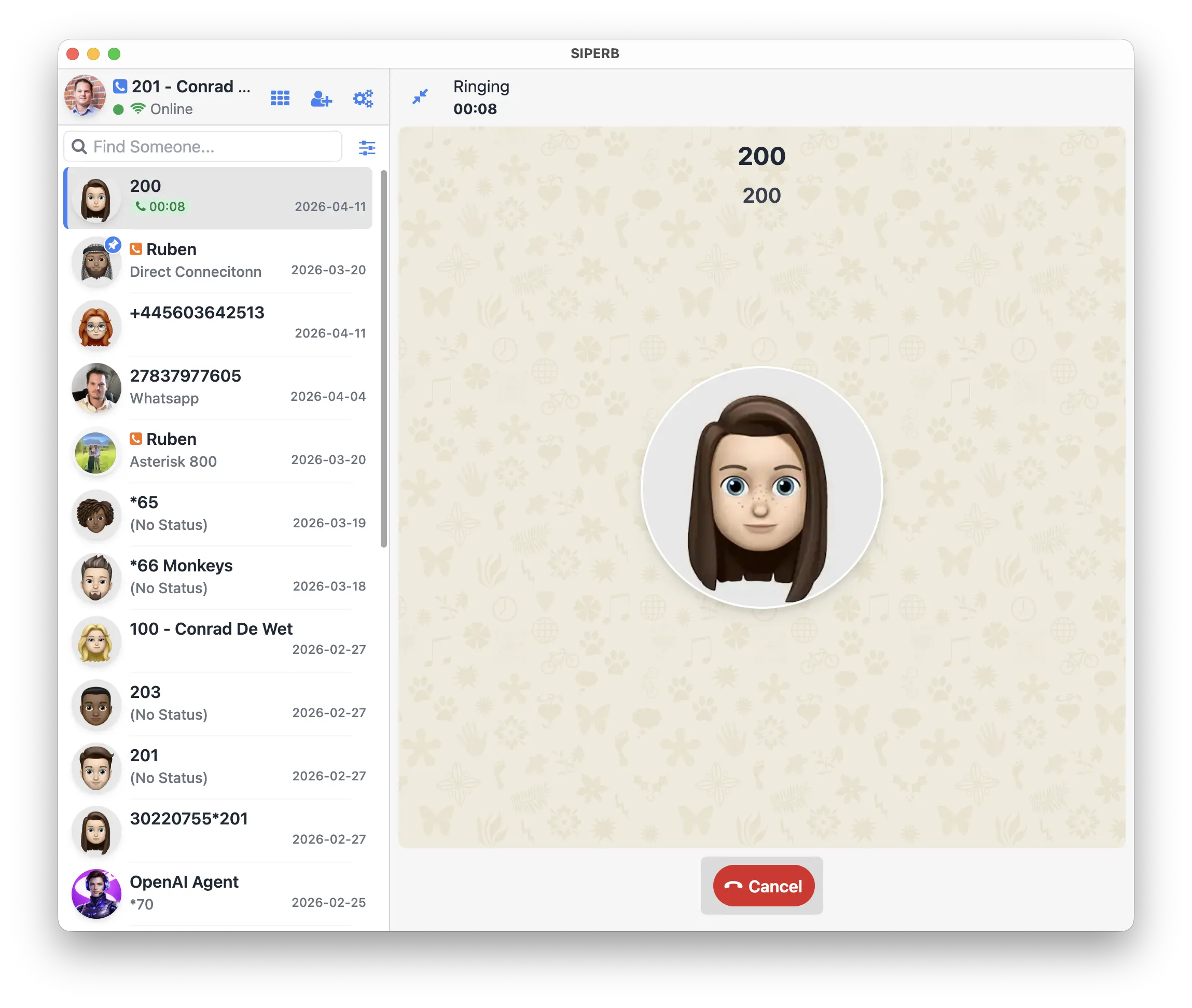
The Siperb desktop application is a native app for Windows, macOS, and Linux. It runs independently of the browser, sits in your system tray, and is available the moment you need it — without switching tabs or opening a window. For anyone who spends most of their day on a single machine, the desktop app is the right choice.
Always on, always ready
The desktop app is a persistent application — it keeps running whether your browser is open or not. Close Chrome to free up memory, restart it for an update, or switch browsers entirely: your phone stays registered and calls keep coming through. No tabs to pin, no session to lose, no call missed because the browser was in the middle of a restart.
Session security
The browser phone keeps you signed in using cookies — a mechanism that works well but has known attack surfaces (session hijacking, cross-site exposure, browser data access). The desktop app stores your session credentials in encrypted storage on disk. The data is tied to the application and the device, not to a browser profile that can be copied or exported.
Direct PBX connection over UDP, TCP, or TLS
This is the capability that sets the desktop app apart entirely. Only the desktop app supports native SIP transport — UDP, TCP, and TLS — which means it can register directly with a PBX on your local network, with no internet connection and without routing anything through Siperb’s infrastructure.
In practice this means:
- On-premises only — connect to an Asterisk or FreePBX server on your LAN without exposing it to the internet
- Air-gapped environments — works on networks with no external internet access at all
- TLS transport — encrypted SIP signalling directly between the app and your PBX, without a proxy in the path
- Zero dependency on Siperb — the app becomes a fully self-contained SIP client
Windows, macOS, and Linux
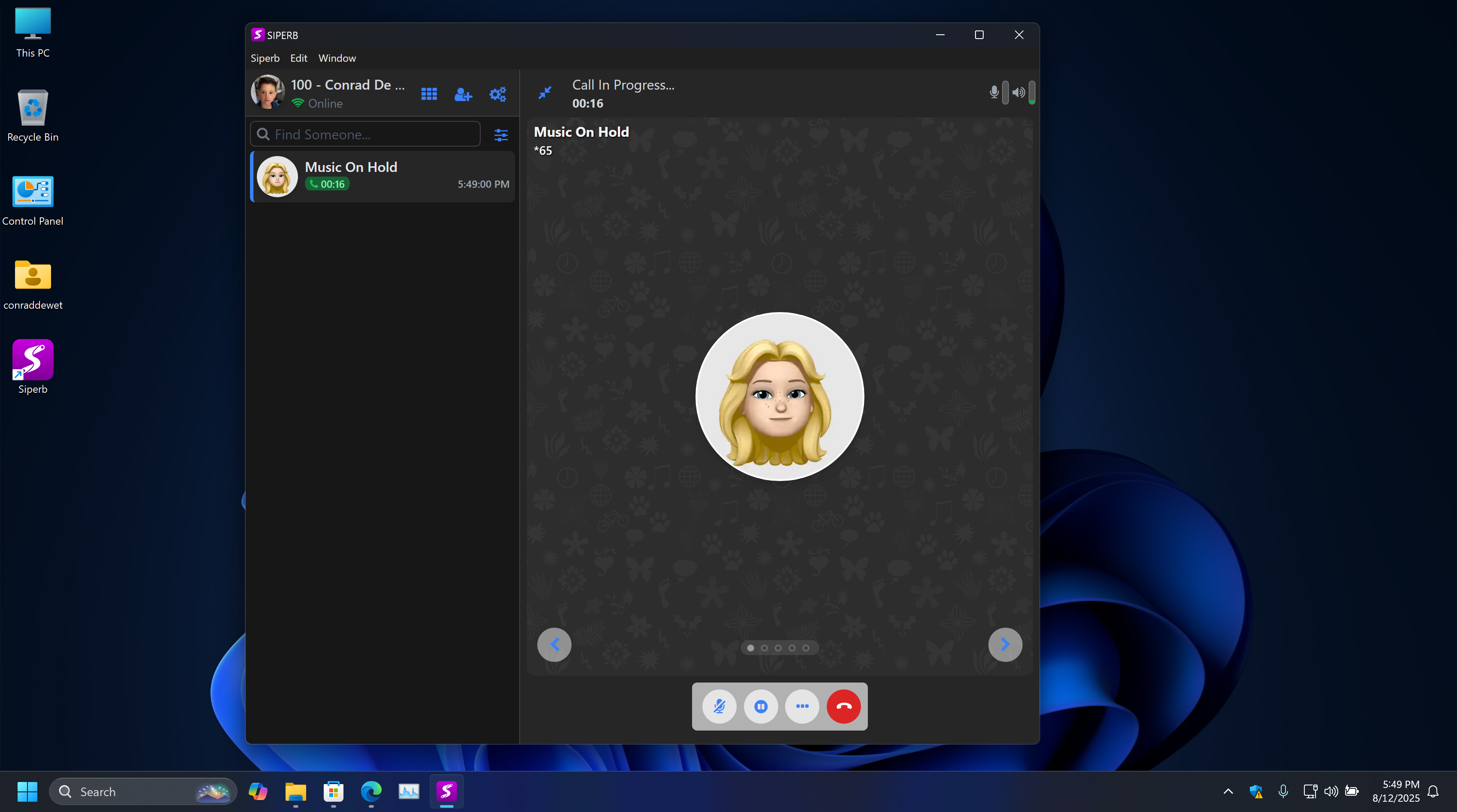
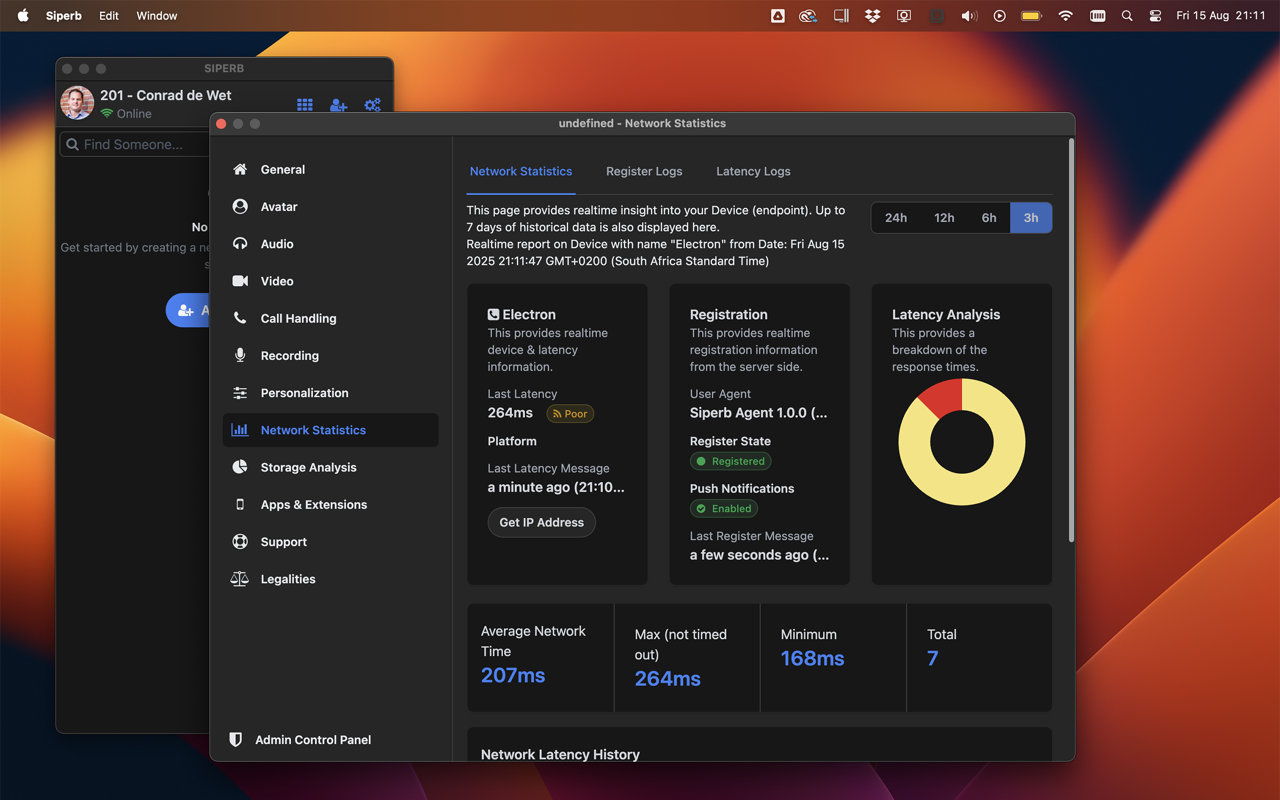
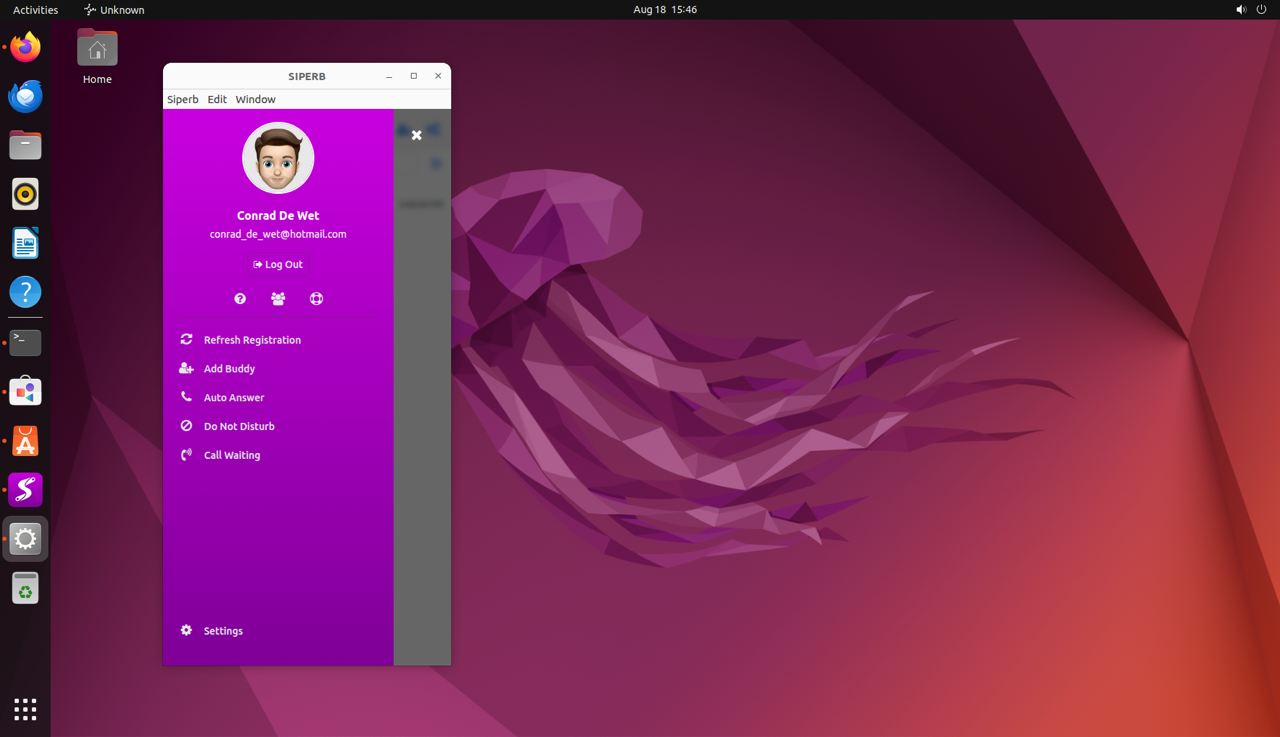
The Siperb desktop app is available for all three major platforms (in both ARM64 and AMD64 binary formats). The same account and the same PBX connection work across all of them — useful if your team uses a mix of operating systems, or if you switch between machines.
Why desktop over browser
The browser is convenient; the desktop app is more reliable for heavy use. The practical differences:
- No tab competition — the app has its own process and its own audio context. A busy browser tab can cause audio glitches under load; the desktop app is unaffected.
- Native audio routing — the app talks directly to your OS audio stack, so switching audio devices (headset, speaker, USB interface) behaves exactly as you’d expect.
- No microphone permission prompts — permission is granted once at install, not per browser session.
- Persistent notifications — call alerts appear in your OS notification centre, not just in the browser, so you won’t miss an incoming call because your browser was minimised.
- Works without a browser open — useful on machines where the browser is not always running.