
How Push Notifications Work in Siperb
Push notifications are the mechanism Siperb uses to deliver incoming calls to mobile devices reliably — even when the app is closed, the screen is locked, or the device has been idle for hours. This article explains how the system works at an architectural level.
The problem push notifications solve
SIP is a stateful protocol. Receiving an incoming call requires your device to be actively registered with the PBX at the moment the call arrives. On a desktop or server, maintaining a persistent registration is straightforward. On a mobile device, it isn’t.
iOS and Android are both designed to aggressively suspend and terminate background processes to preserve battery life and system resources. A SIP softphone running in the background will lose its registration within minutes — sometimes seconds. When a call arrives, there is nobody home.
The platform-correct solution is push notifications. Rather than keeping the app alive, the OS keeps a single, system-managed connection open to Apple’s or Google’s push infrastructure. When a wake-up signal arrives, the OS restarts the app, which re-registers with the PBX and completes the call.
How Siperb implements push notifications
Siperb’s proxy maintains a persistent SIP registration on behalf of your mobile device. When your phone goes idle and loses its direct registration, the proxy stays registered with your PBX. Your PBX continues to see a live endpoint for your extension at all times.
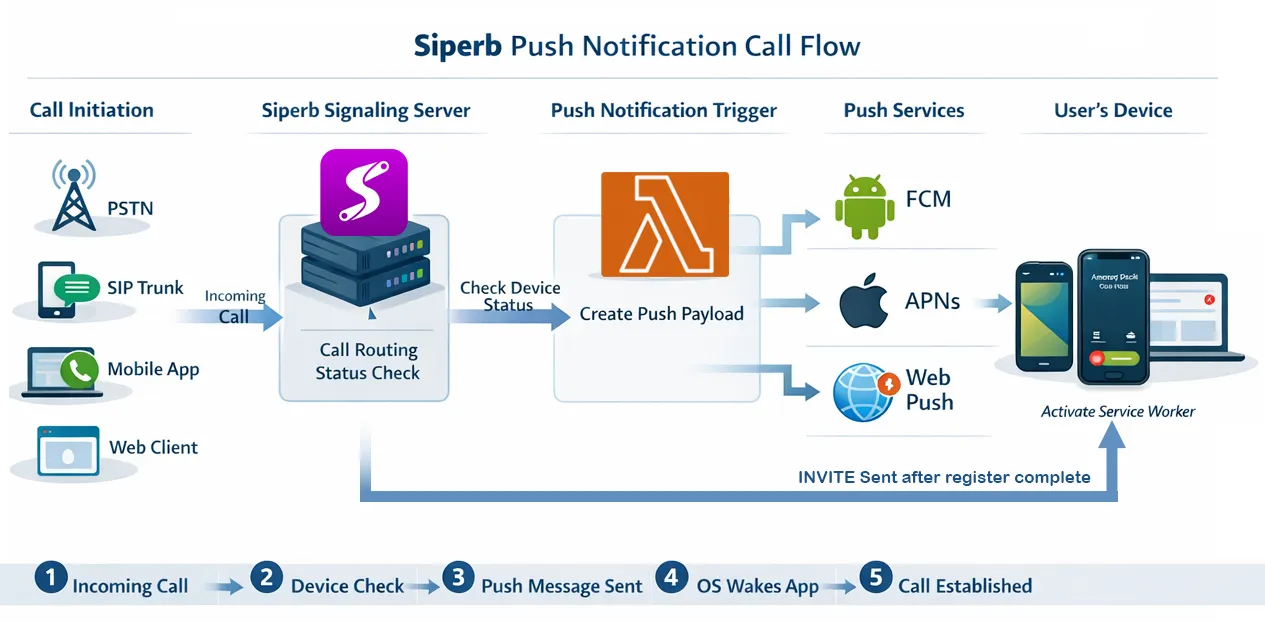
When an incoming call arrives for your extension, the sequence is:
- Your PBX sends a SIP INVITE to Siperb’s proxy.
- The proxy identifies the target device and dispatches a push notification via the appropriate platform provider — Apple APNs for iOS, Google FCM for Android.
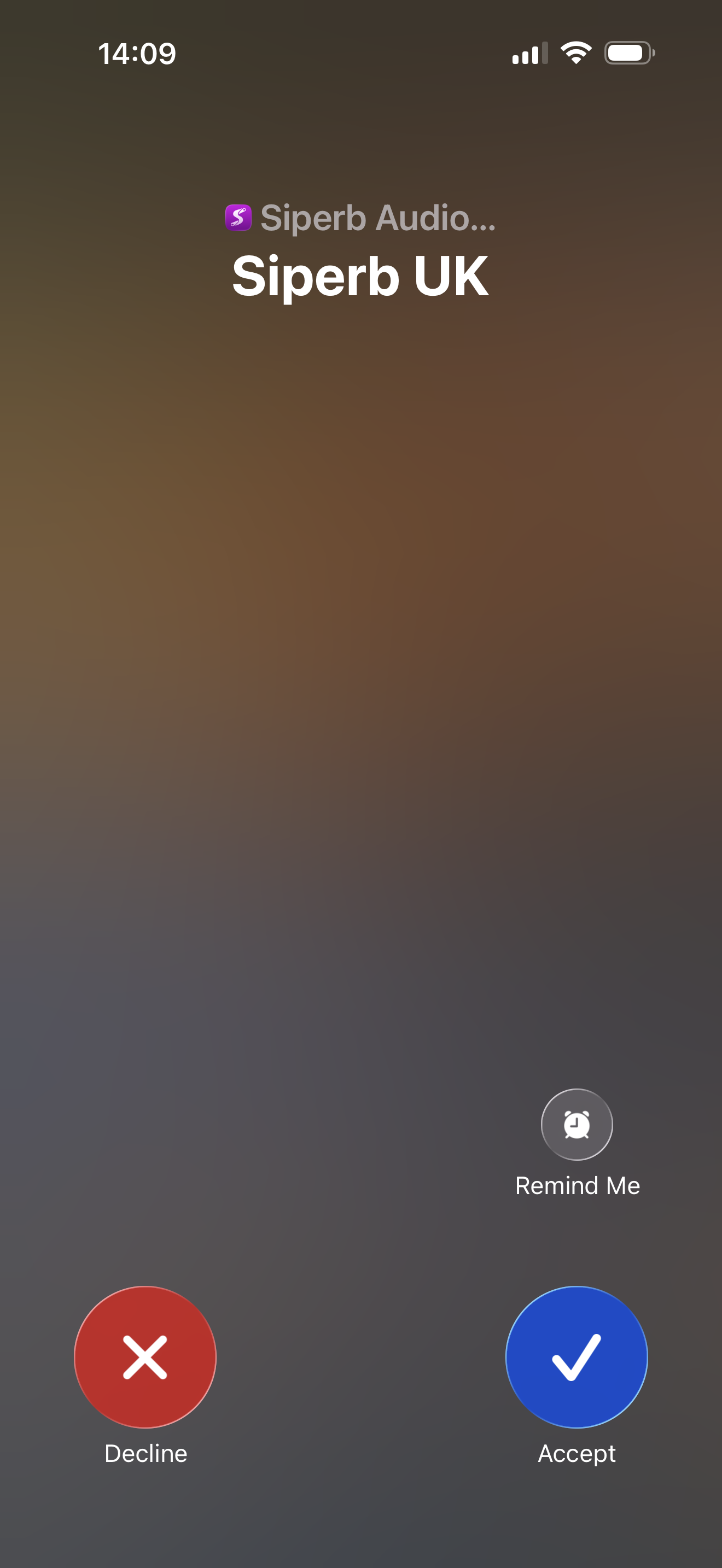
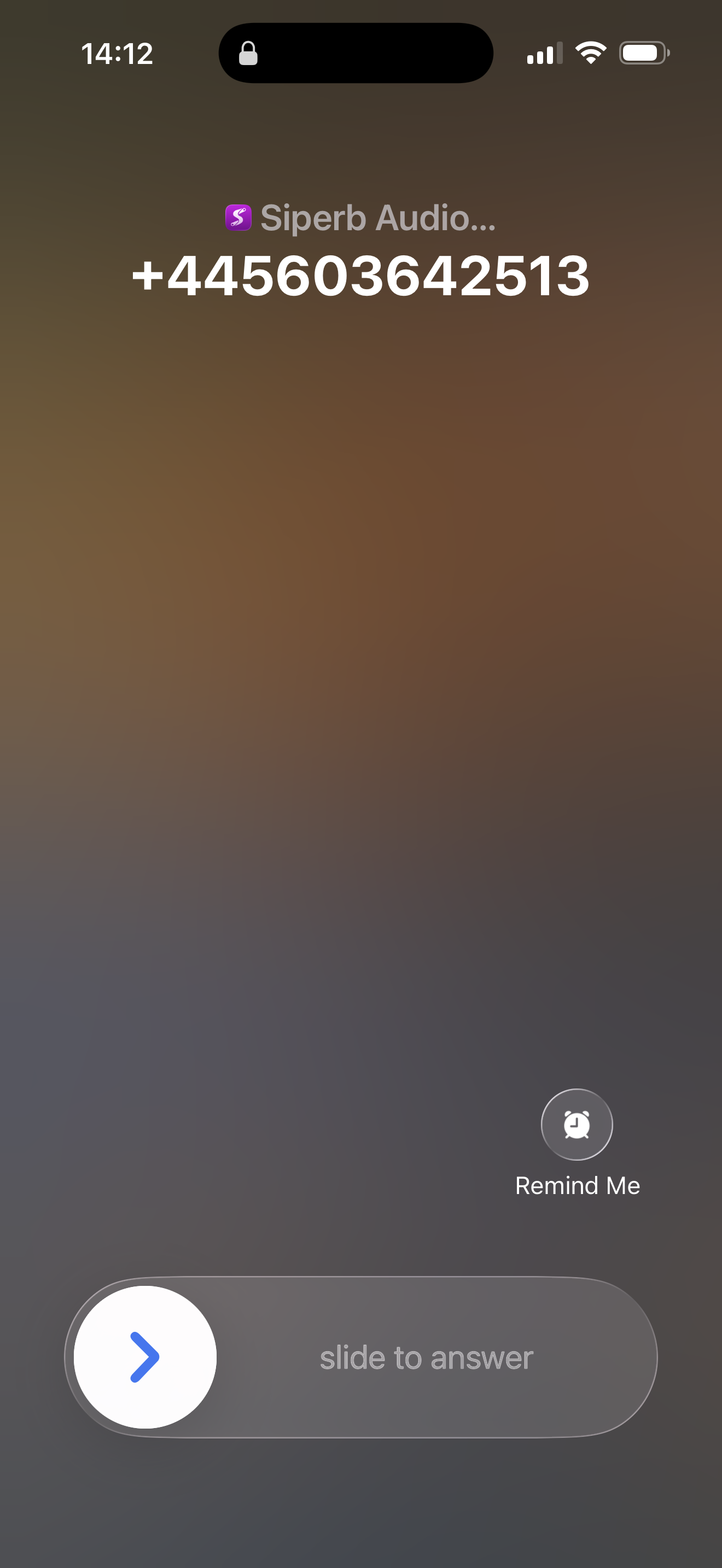
- The platform’s push infrastructure delivers the notification to the device. The OS wakes the Siperb app, even from a locked screen or suspended state.
- The app establishes a connection, re-registers with the proxy, and call signalling continues. From the user’s perspective, the phone simply rings.
iOS — Apple APNs with PushKit
On iOS, Siperb uses Apple’s PushKit framework rather than standard notification push. PushKit is Apple’s dedicated VoIP push channel and is treated with significantly higher priority than standard notifications:
- The app is woken immediately — the OS does not batch or delay VoIP push events
- The wake-up happens even in low-power mode and through Do Not Disturb (subject to user-configured DND exceptions)
- The notification is handled silently by the app, which then surfaces a native CallKit call interface — indistinguishable from a regular phone call
- Validated against the device token stored at registration time — spoofing a VoIP push event is not possible
Android — Firebase Cloud Messaging (FCM)
On Android, Siperb uses Firebase Cloud Messaging (FCM) with a high-priority message flag. High-priority FCM messages are exempt from Doze mode restrictions and are delivered immediately regardless of battery optimisation settings:
- Delivered with
priority: high— FCM wakes the device immediately - Consistent behaviour across Android manufacturers, including those with aggressive battery management (Huawei, Samsung, Xiaomi)
- The app processes the incoming call payload and presents a full-screen incoming call notification
Push tokens and device registration
When you first sign into the Siperb app on a device, the app requests a push token from the platform (APNs or FCM) and registers it with Siperb’s infrastructure alongside your SIP credentials. This token uniquely identifies the device and its platform.
Siperb stores the token against your account. When a call arrives and the device needs to be woken, the proxy looks up the current token for your extension and dispatches the push event. Tokens are refreshed automatically by the platform and updated in Siperb whenever the app reconnects.
Requirements and compatibility
- Any SIP PBX — Asterisk, FreePBX, FreeSWITCH, 3CX, or any system that can register a SIP extension. No PBX-side configuration required beyond allowing external registration.
- Proxy registration mode — push notifications require the connection to be in Proxy mode (not Direct/WebSocket). See Registration Modes →
- Free on all plans — push notification delivery is included on the free Personal plan. No paid subscription is required.
Further reading
- Siperb Mobile — Push Notifications for Any PBX → — practical setup guide
- Siperb Mobile Softphone → — iOS and Android overview
- Registration Modes → — Proxy vs Direct vs WebSocket
- Asterisk Softphone → — connecting Asterisk to Siperb