
Browser Phone
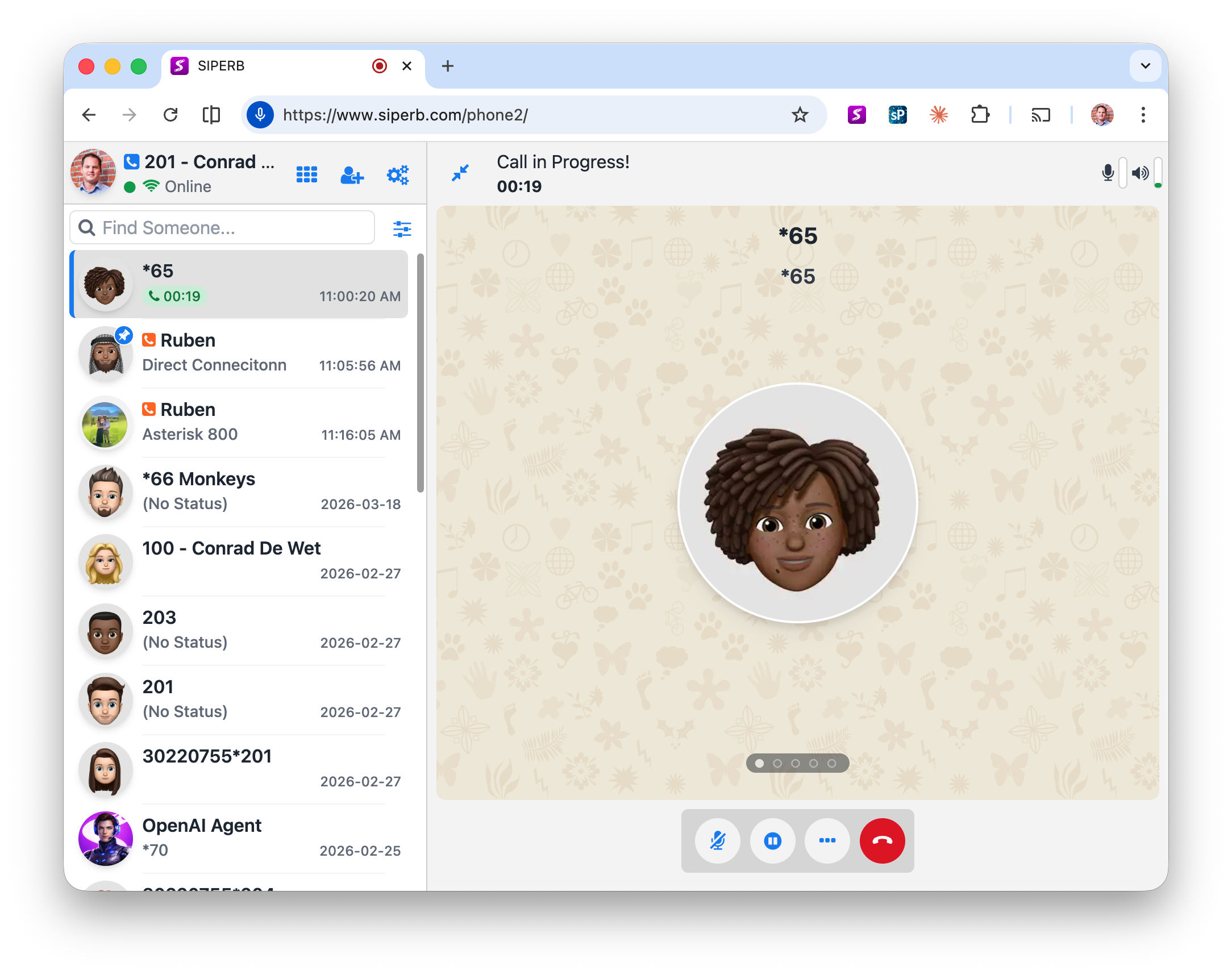
Browser Phone is an open-source JavaScript SIP/WebRTC softphone — a fully functional telephone that runs in any web browser, connecting to your PBX without plugins, downloads, or proprietary hardware. It is the project that Siperb was built from, and it remains the core of Siperb’s Web Phone SDK today.
The Open-Source Project
Browser Phone was created to solve a specific and practical problem: making and receiving SIP calls directly from a web browser, using WebRTC, without any additional software. At the time, most softphone solutions required either a native app, a browser plugin (Flash, Java applets), or complex PBX-side WebRTC configuration. Browser Phone changed that by handling SIP signalling over a WebSocket connection and media via the browser’s built-in WebRTC stack.
The original project is available on GitHub under the InnovateAsterisk/Browser-Phone repository. It remains free and open source — you can fork it, self-host it, and modify it with no licence cost and no Siperb account required.

The project became widely used in the Asterisk and FreeSWITCH communities because it offered a ready-made WebRTC phone client that just worked. Developers could point it at their PBX and have a browser-based softphone running in an afternoon. That simplicity — and the permissive open-source licence — is what made it a starting point for so many VoIP projects, including Siperb.
From Browser Phone to the Siperb Web Phone SDK
As self-hosted Browser Phone deployments grew, the limitations became clear. For most organisations, the real blocker was the requirement that the PBX itself support WebSocket connections and WebRTC media. Older Asterisk and FreeSWITCH installations — and almost all other PBX vendors — did not. This meant that to use Browser Phone, you either had to upgrade your PBX or run a WebRTC gateway alongside it.
Siperb was created to remove that requirement. Starting from the Browser Phone codebase, we built the cloud infrastructure layer that sits between the browser and any PBX — handling the translation, the security, and the scalability that the self-hosted project could not provide out of the box.
The Browser Phone JavaScript code remains the core of what we call the Browser Phone Core — the client-side engine that powers the Siperb Web Phone SDK. When you embed a Siperb-connected phone widget in your website, you’re running a hardened, cloud-connected evolution of the same open-source code.
What Siperb Added
The gap between “open-source phone in a browser” and “production-ready softphone platform” is significant. These are the key pieces Siperb built on top of the Browser Phone Core:
- SIP Proxy — handles registration and call routing between your browser and your PBX. Your PBX doesn’t need to accept WebSocket connections — Siperb’s SBC bridges the gap.
- Media Transcoding — converts between WebRTC’s encrypted media (DTLS-SRTP with Opus) and plain RTP that legacy PBX systems expect. Included free on all plans.
- Provisioning — SIP credentials, proxy settings, and media configuration are pushed to the client automatically. End users configure nothing manually.
- Push Notifications — incoming call alerts on mobile and desktop even when the app is in the background or the tab is closed.
- Diagnostics — SIP trace logging, latency monitoring, and registration logs in the Admin Control Panel.
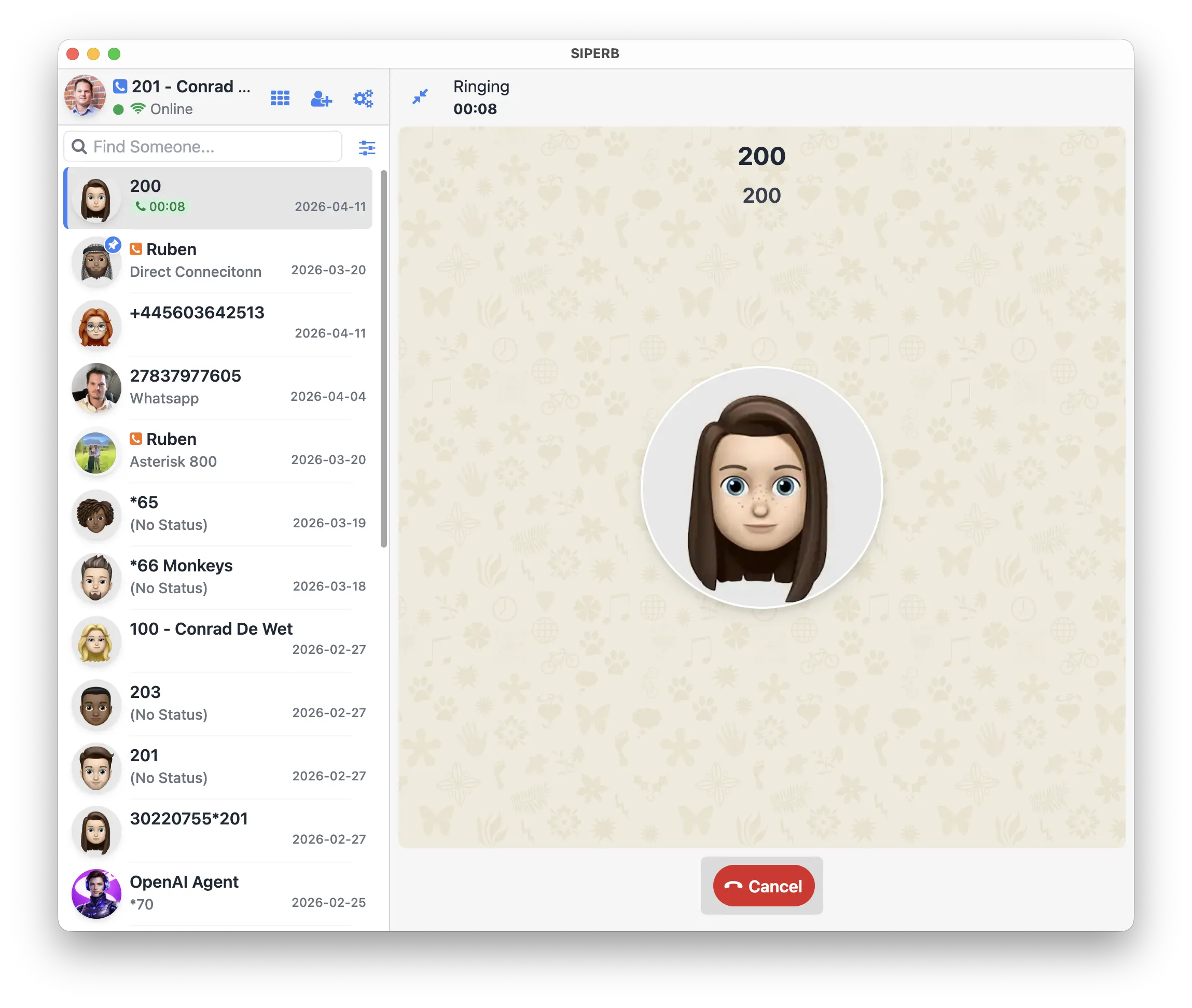
- Desktop & Mobile Apps — packaged versions of the Browser Phone Core, available for Windows, macOS, Linux, iOS, and Android — built on the same codebase.
How It Works
At its simplest, Browser Phone works like this:
- The browser loads the JavaScript phone client (Browser Phone Core).
- The client establishes a WebSocket connection for SIP signalling — either directly to your PBX, or to Siperb’s SIP proxy.
- When a call is made or received, SIP INVITE messages travel over the WebSocket.
- Audio flows via WebRTC using DTLS-SRTP encryption — mandatory in all modern browsers.
- If the PBX doesn’t support WebRTC natively, the Siperb proxy handles the codec and transport translation before the audio reaches your PBX.
What You Can Build
Browser Phone is designed to be embedded. Because it’s a JavaScript library that loads into any web page, you can put a working SIP phone anywhere a browser can run:
- CRM integration — embed a phone directly in Salesforce, HubSpot, or your custom CRM. Click a contact, make a call.
- Support widgets — add a click-to-call button on your website so customers reach your team without leaving the page.
- Internal tools — a custom call interface for your helpdesk, dispatch centre, or operations team.
- White-label products — use the Browser Phone Core to build your own branded communication product. No Siperb branding required.
Getting Started
If you want to embed Browser Phone in your site or application:
- Read the Web Phone for Developers overview → to understand the integration options.
- See Configuration Options → for the full list of SDK parameters.
- Check the SDK Reference → for methods, events, and callbacks.
- To use Siperb’s proxy and transcoding, create a Siperb account → and add a connection.
The GitHub repository and full standalone documentation are at github.com/InnovateAsterisk/Browser-Phone.